Welcome to Substrate AI Documentation
Your comprehensive guide to Substrate AI Cloud - on-demand GPU infrastructure and enterprise platform solutions.
Substrate AI Cloud
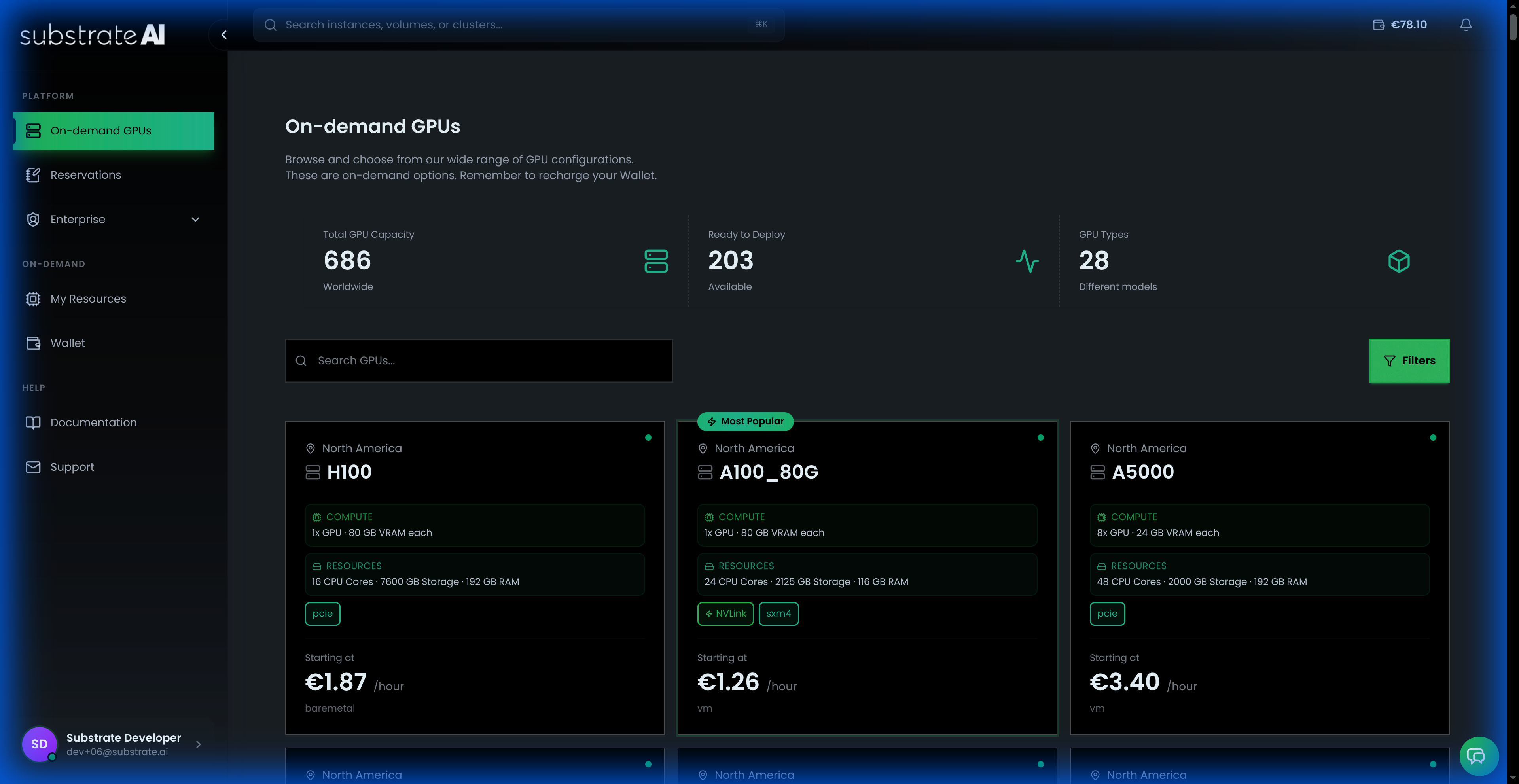
Get started with our primary GPU infrastructure platform:
- Getting Started - Account setup, wallet funding, SSH keys
- Launching Instances - Browse GPU marketplace and launch instances
- Advanced Configuration - Environment variables, startup scripts, multi-GPU
- Managing Resources - Monitor instances and volumes
- Storage Volumes - Create and manage persistent storage
- Billing & Wallet - Understand billing and optimize costs
- Troubleshooting - Common issues and solutions
Enterprise Platform
Advanced features for enterprise deployments:
- Introduction - Enterprise platform overview
- Sign Up and KYB - Enterprise onboarding
- Guides - Comprehensive platform guides
- Reference Architectures - Proven deployment patterns
Available Enterprise Features
Based on the console capabilities, the platform provides:
- CDN: Content Delivery Network for global asset distribution.
- WAAP: Web Application and API Protection.
- Virtual Instances: Scalable virtual machine instances.
- Kubernetes: Managed Kubernetes Service (K8s).
- Bare Metal: Dedicated physical servers for high-performance workloads.
- Networking: Advanced network configuration and management.
- Security Groups: Firewall rules and access controls.
- Volumes: Persistent block storage management.
- Placement Groups: Control over instance placement strategy.
- Projects & Regions: Multi-project and multi-region resource organization.
Quick Start: New users should begin with Getting Started to set up your account and launch your first GPU instance.